
Complete Your Easy POS System Registration by Installing the App
Thank you for completing the Easy POS System registration. To fully utilize our platform, please follow the instructions below to install the Easy POS app on your device:
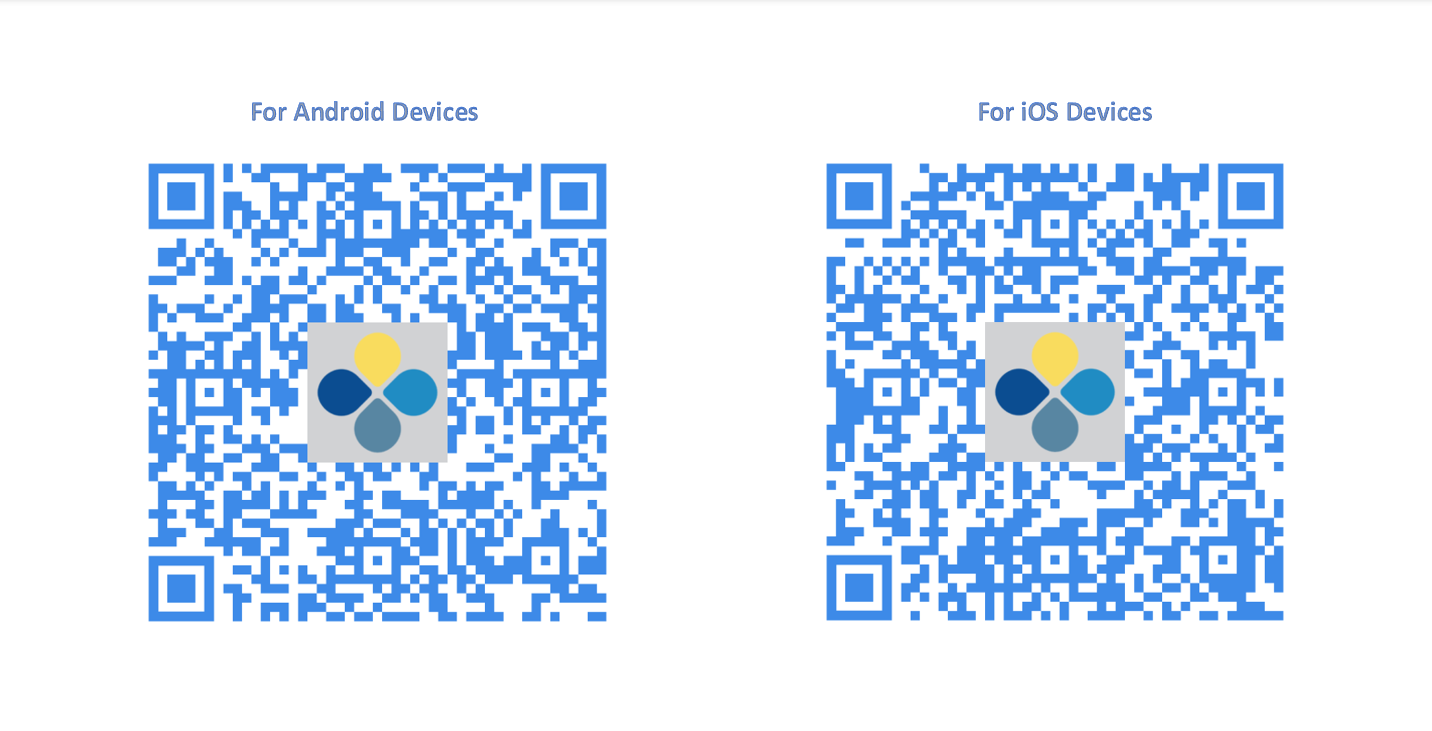
- Open your device's camera app.
- Scan the QR code below.
- Download and install the Easy POS App.
Scan The QR Code
- Open the Easy POS App
- Click "Sign In"
- Enter the same Email address and the password you provided when signing up for the Backoffice
- Click 'Submit' button
- Select POS from the dropdown
- Click the 'Continue" button
The minimum requirements for Android as follows:
Android: The Easy POS app is compatible with Android devices running Android 5.0 (Lollipop) or higher.
iOS: (Currently NOT Available)
Web POS App Sign In Process
For Web Platform Users:
Click on the link below to download the Easy POS Web Exe File to your device. [https://easypos.lk/sign_in]
After installation, please complete the sign-in process using the credentials provided during registration. If you encounter any issues or have questions, feel free to reach out to our support team at [email protected].
The minimum requirements for Web POS is as follows:
Web POS: It is recommended to use EXE File or the Google Chrome web browser for the best experience.
Android App Download and Sign In Process
Android App Download and Sign-In Process
- Click below link - https://play.google.com/store/apps/details?id=com.retailit.easypos
- Download the App
- Open the POS App
- Click "Sign In"
- Enter the same Email address and the password you provided when signing up for the Backoffice
- Click 'Submit' button
- Select POS from the dropdown
- Click the 'Continue" button
Was this article helpful? Tell our team what was missing.
Send us feedback