
How to Setup Home Screen Layout in Easy POS Web POS App
1. Setup Home Screen Layout in Easy POS Web POS App
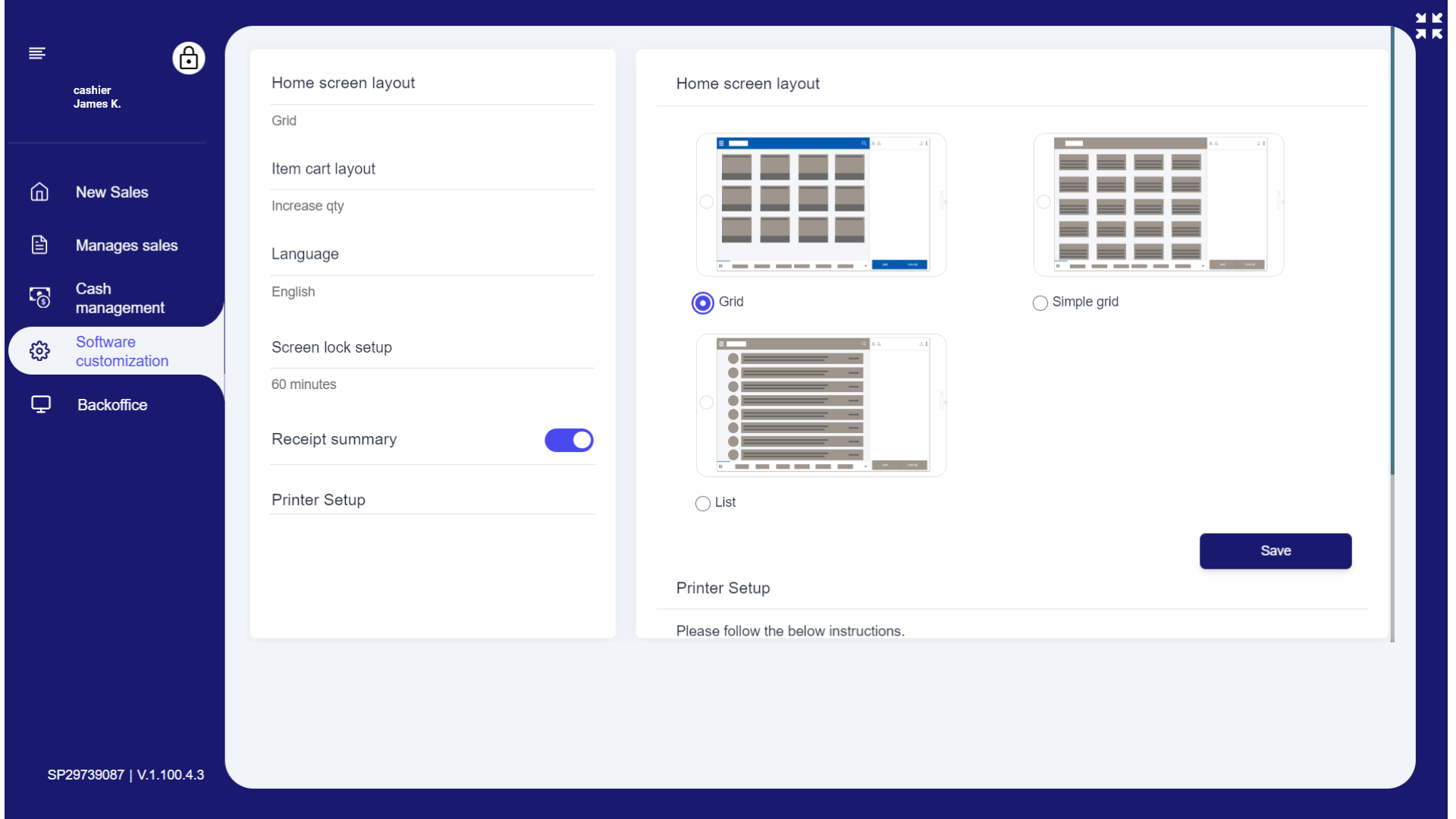
- Easy POS offers you three options to choose when setting up the home screen layout.
- Here's how to do it.
- Login to Easy POS web app and click 'Software customization'.
- Select Grid, Simple grid or List.
- Click 'Save'.
- Click 'New Sales' to go back to the home screen.
Given below is, how it appears as you select the screen layout.
2. Setup Home Screen Layout in Easy POS Web App
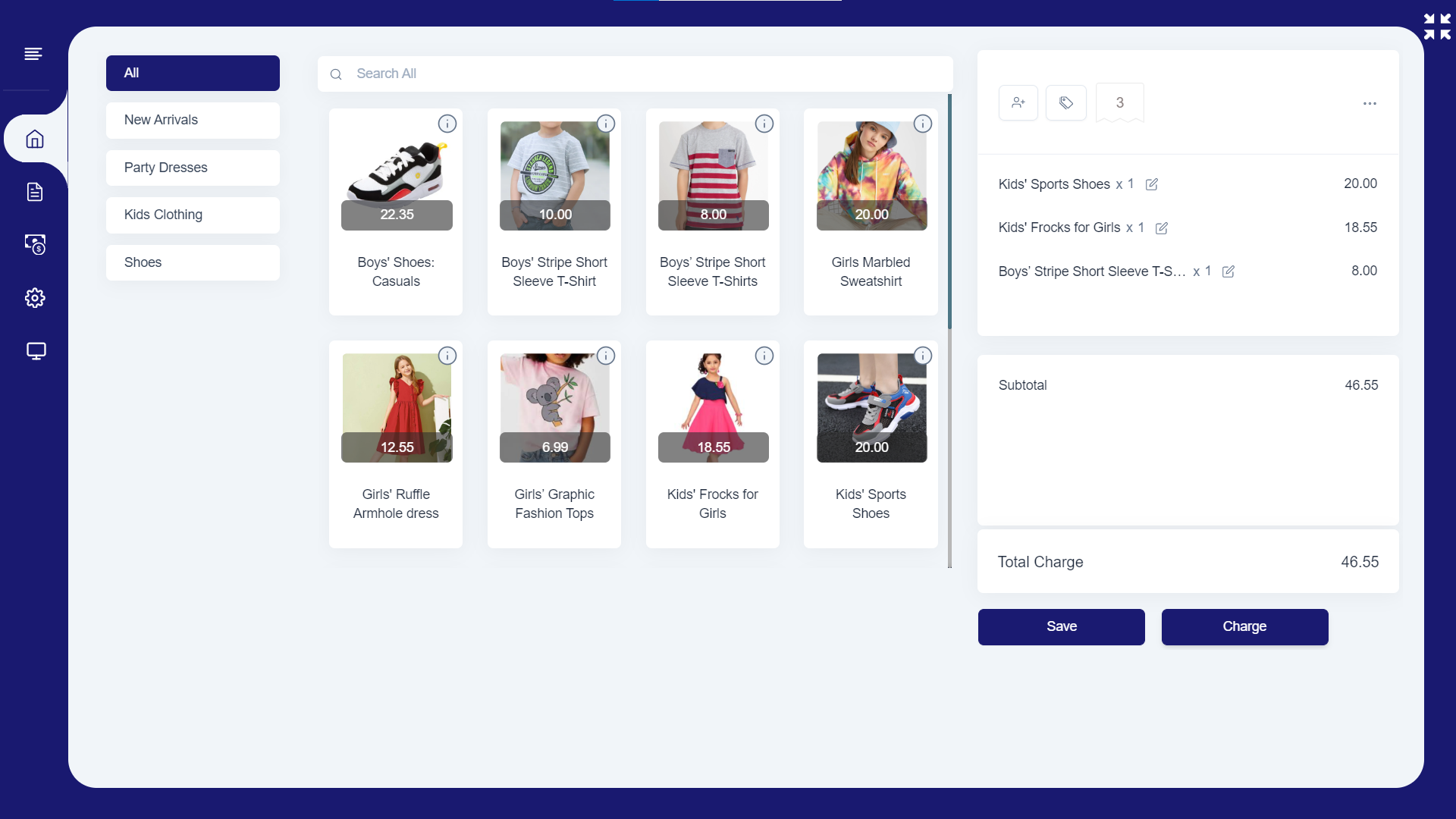
- Grid layout
3. Setup Home Screen Layout in Easy POS Web POS App
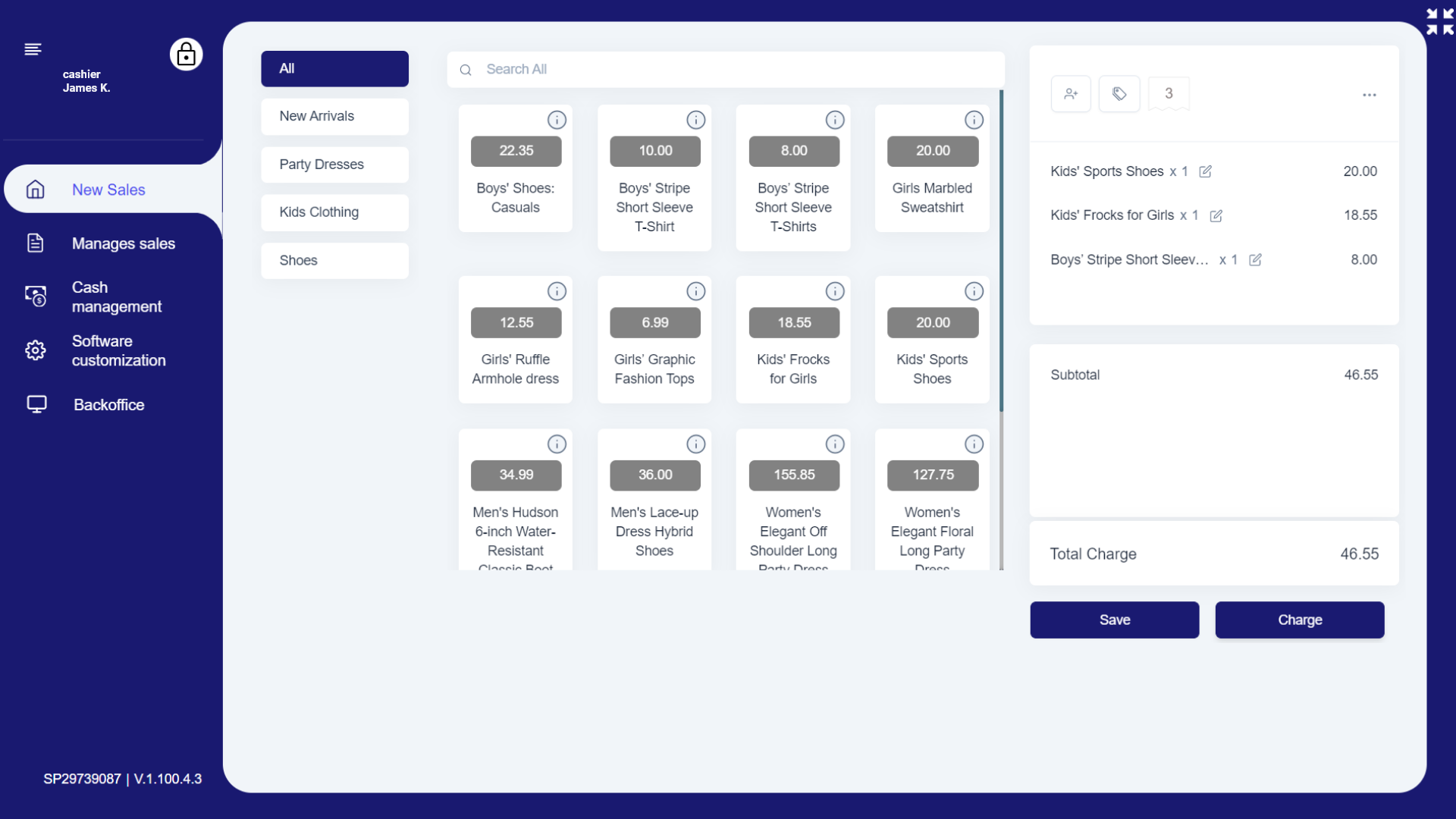
- Simple grid layout
4. Setup Home Screen Layout in Easy POS Web POS App
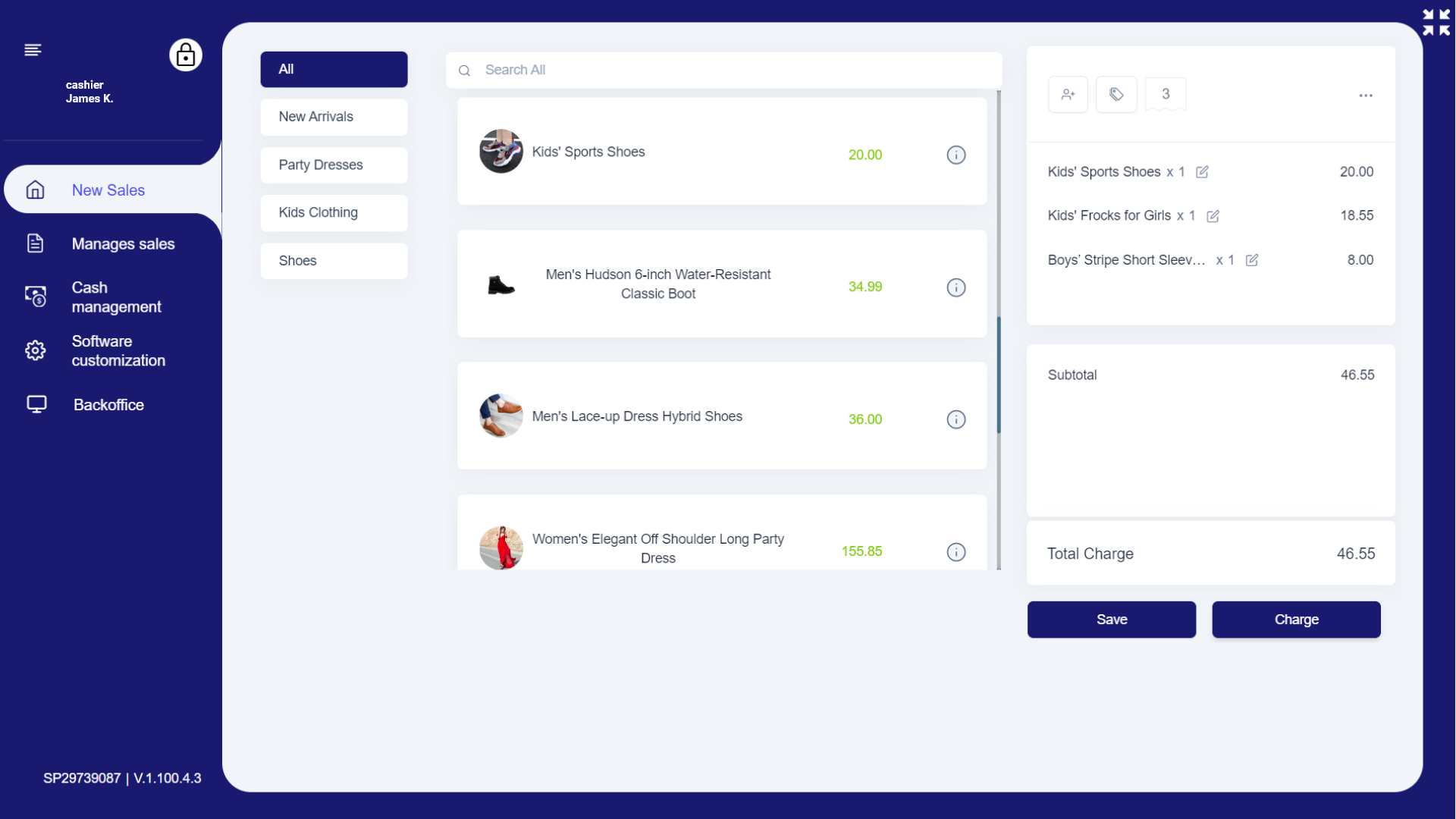
- List layout
Was this article helpful? Tell our team what was missing.
Send us feedback