
How to Modify Decimal and Comma Separators
Special Note
- If you wish to modify the initially established formats, kindly reach out to Easy POS support team for assistance and necessary adjustments.
Decimal and Comma Separators, Number of decimals
- The decimal separator and comma separator are used to format and interpret numeric values.
Decimal Separator
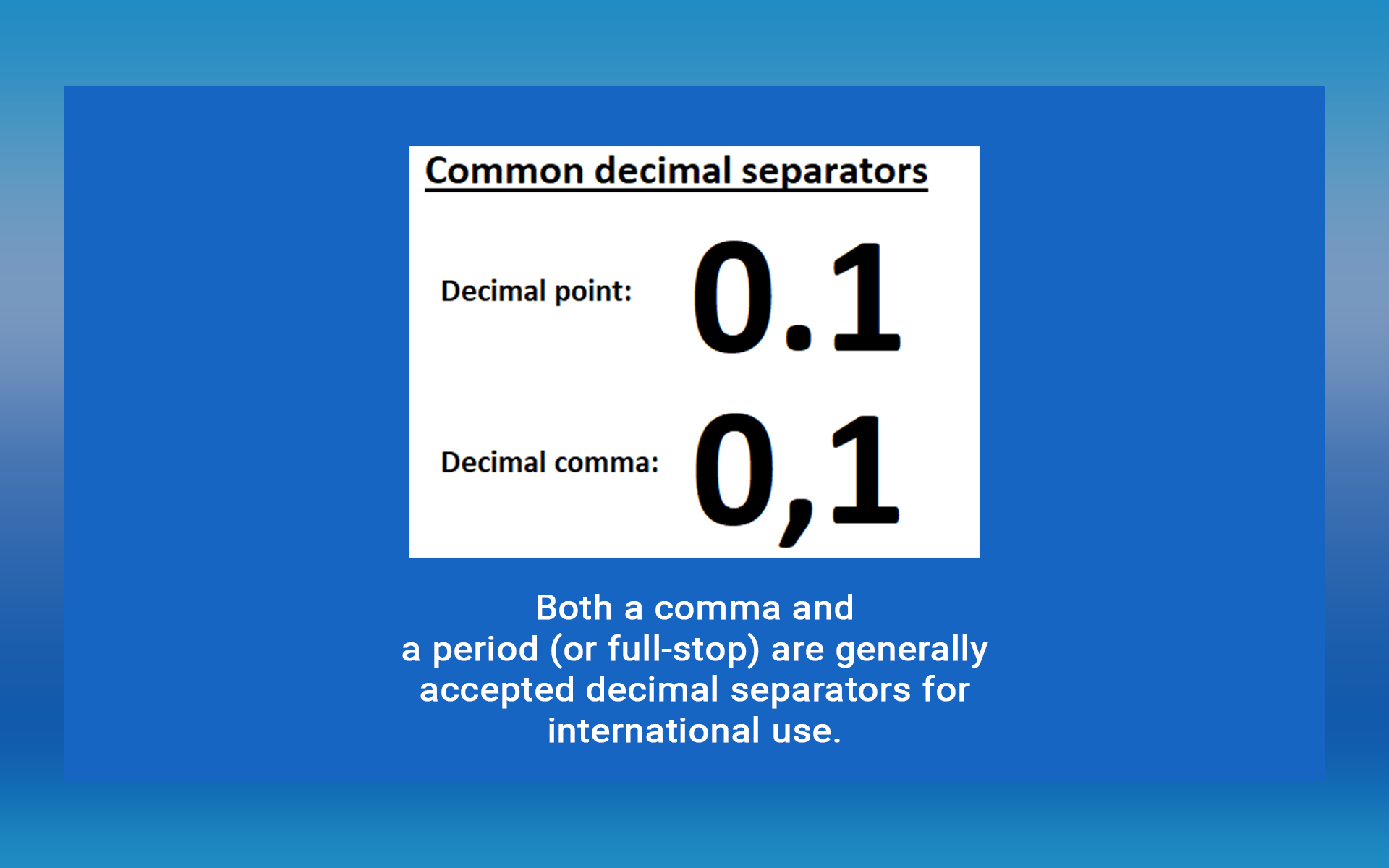
- The decimal separator is used to separate the whole number part from the fractional part of a number.
- Example: In many countries, the decimal separator is a period (.). 10.99
Several other countries use a comma (,) as the decimal separator.
- 10,99
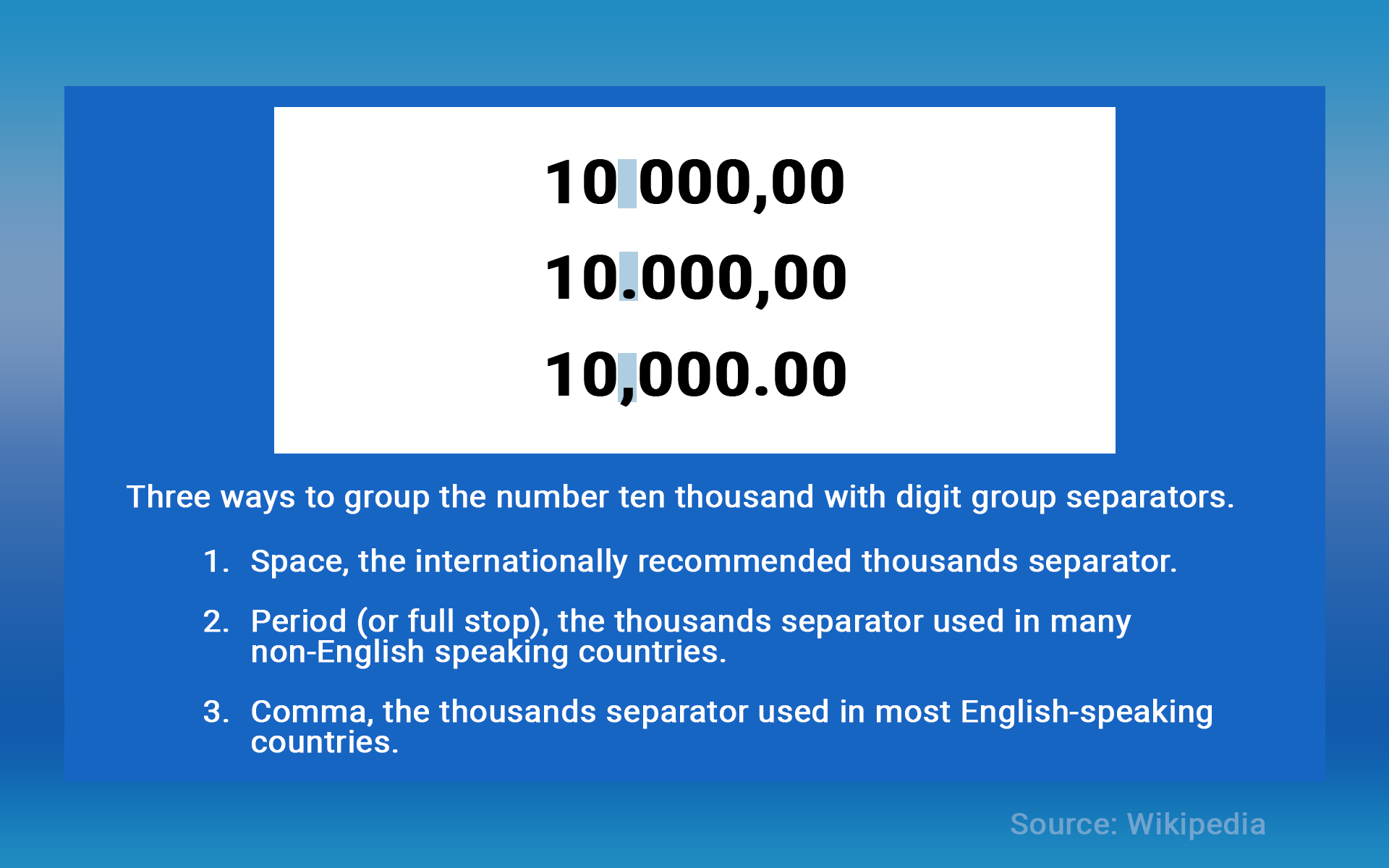
Digital group separators
Comma Separator
The comma separator is used to separate thousands, millions, and other larger groups in numeric values.
Example: In countries, the comma is used as the thousand’s separator. 1,000 represents one thousand.
1,000,000 represents one million.
In some countries following the comma-period format, dot/period is used as the thousands separator. 1.000 represents one thousand.
1.000.000 represents one million.
If you wish to modify these initially established formats, kindly reach out to Easy POS support team
- In the registration process, Easy POS provides users with the option to input their country name where the system is being set up.
- Consequently, the system will autonomously incorporate decimal and comma separators as well as the preferred number of decimals.
- If you wish to modify these initially established formats, kindly reach out to Easy POS support team for assistance and necessary adjustments.
Was this article helpful? Tell our team what was missing.
Send us feedback