
How to Create an Estimation
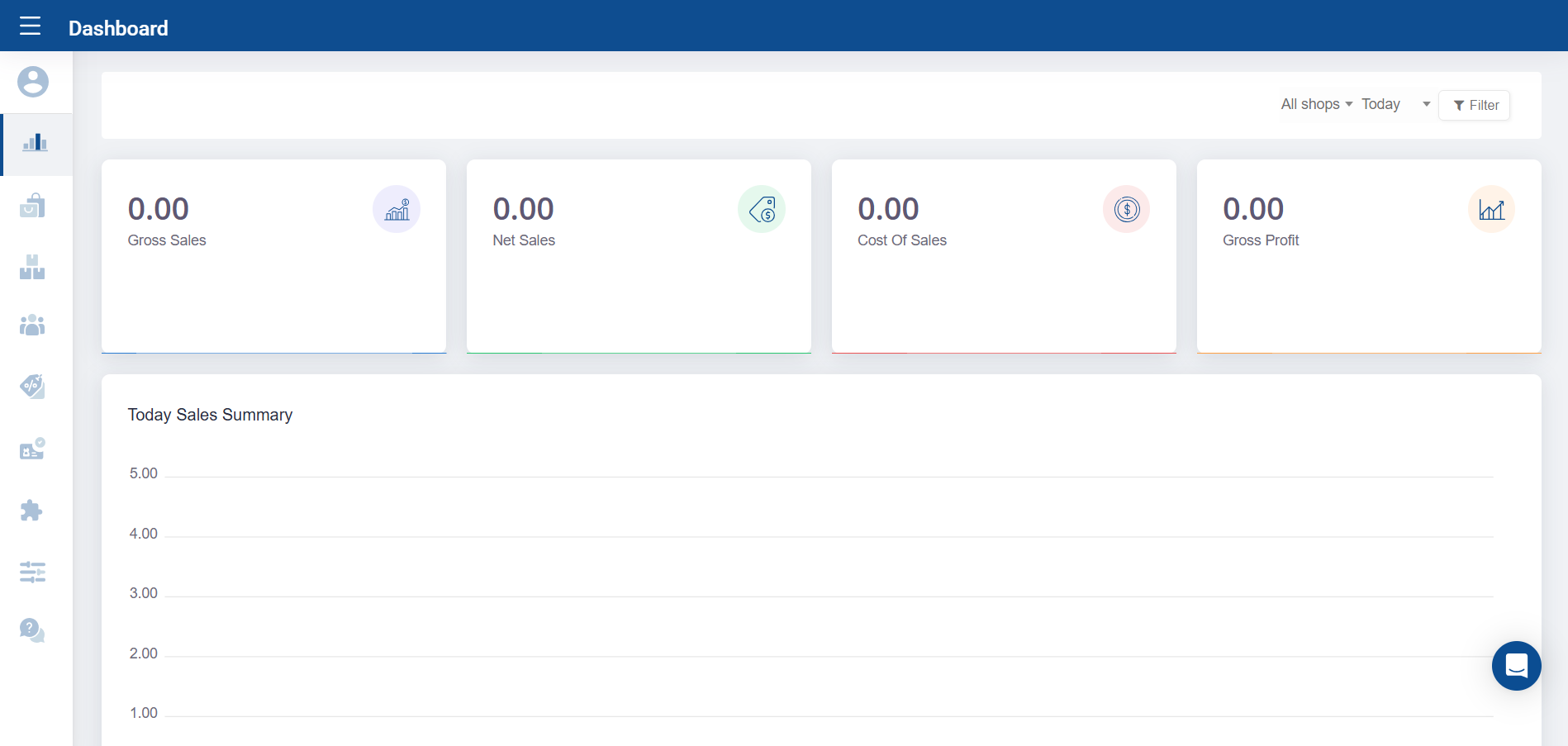
Estimation Module
The Estimate Module helps streamline your business operations while enhancing transparency and professionalism in your customer interactions. An estimate is a document that outlines the projected costs for goods or services you intend to provide, giving customers a clear understanding of pricing before they commit.
Example:
Imagine you're a mobile phone retailer. A customer expresses interest in purchasing 10 smartphones. Using the Easy POS backoffice, you can quickly generate a professional estimate that details the product names, quantities, unit prices, and total cost. This not only provides clarity to the customer but also boosts your credibility and speeds up the decision-making process.
How to Create and Send an Estimate in Easy POS
Creating an estimate in Easy POS is quick and easy. Follow these steps to send a professional estimate to your customer:
- Log in to the Easy POS Back Office web portal
- Go to settings > Features
- Enable "Estimation" and click Save
- Now again from the main menu, go to the "Customer" main section.
- Navigate to the Estimate section.
- Click the "Create Estimate" icon to get started.
- Choose the customer and shop, then enter a validity period and any comments you'd like to include.
- Select the product(s) and input the quantity for the estimate.
- Click the Save button to save your estimate.
- After saving, click the Send icon to email the estimate directly to your customer.
Related Articles
How to create Purchase Orders (PO)
How to Accept or Reject an Existing Estimate
Follow these steps to accept or reject an existing estimate:
1.Log in to the Easy POS Back Office web portal.
From the main menu, go to the Customer section.
Click on the Estimate tab.
You'll see a list of all previously created estimates.
Find and click on the estimate you want to review.
Click the three-dot menu next to the Send icon.
Select either Accept or Reject, then confirm your action.
Was this article helpful? Tell our team what was missing.
Send us feedback