
How to Create Suppliers
1. How to Create Suppliers
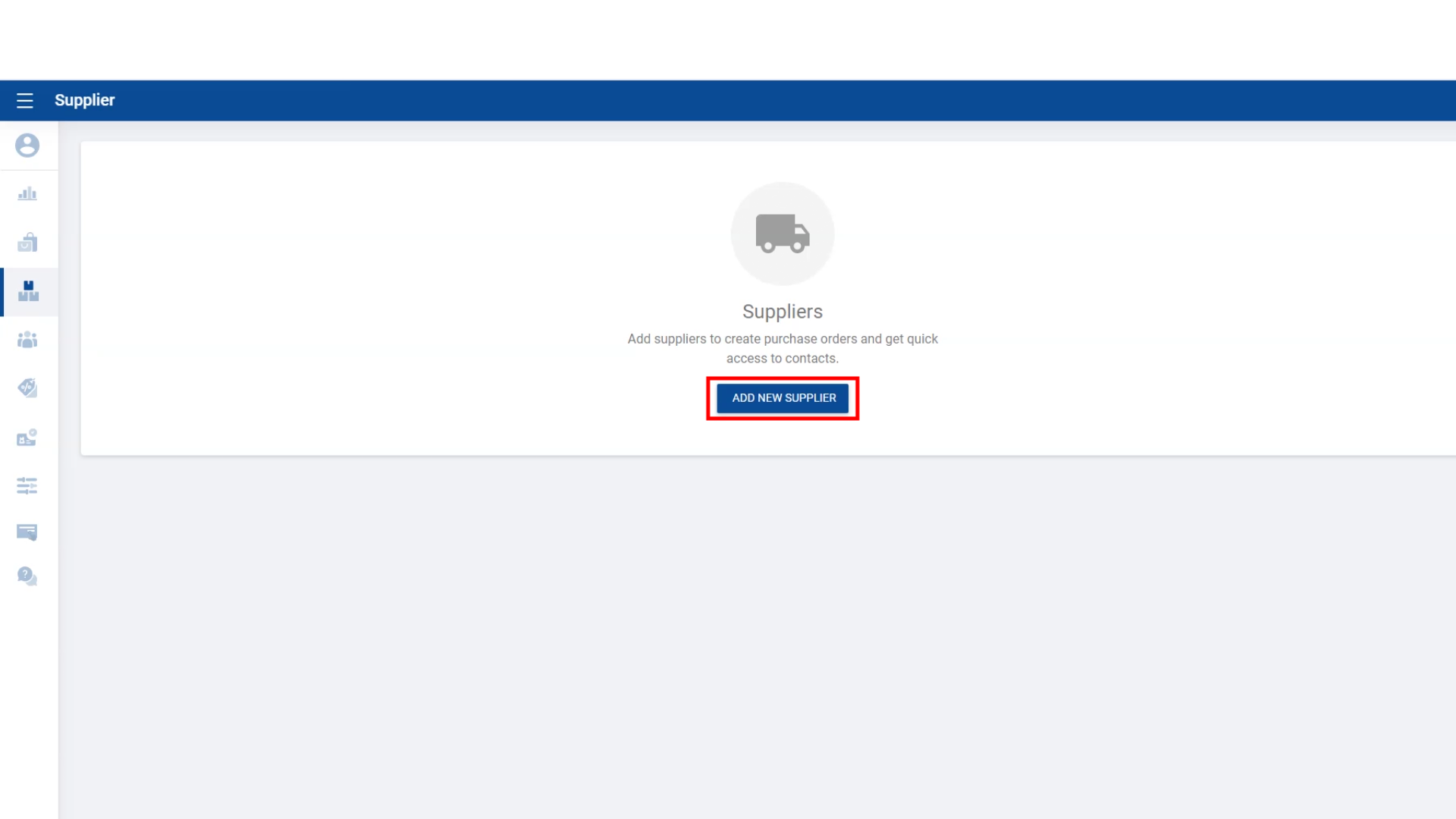
- It is now possible to store the information of the suppliers who supply goods to your business in the POS system.
- Under this facility, you have the option to add the supplier's name, location, phone number and the email address.
2. How to Create Suppliers
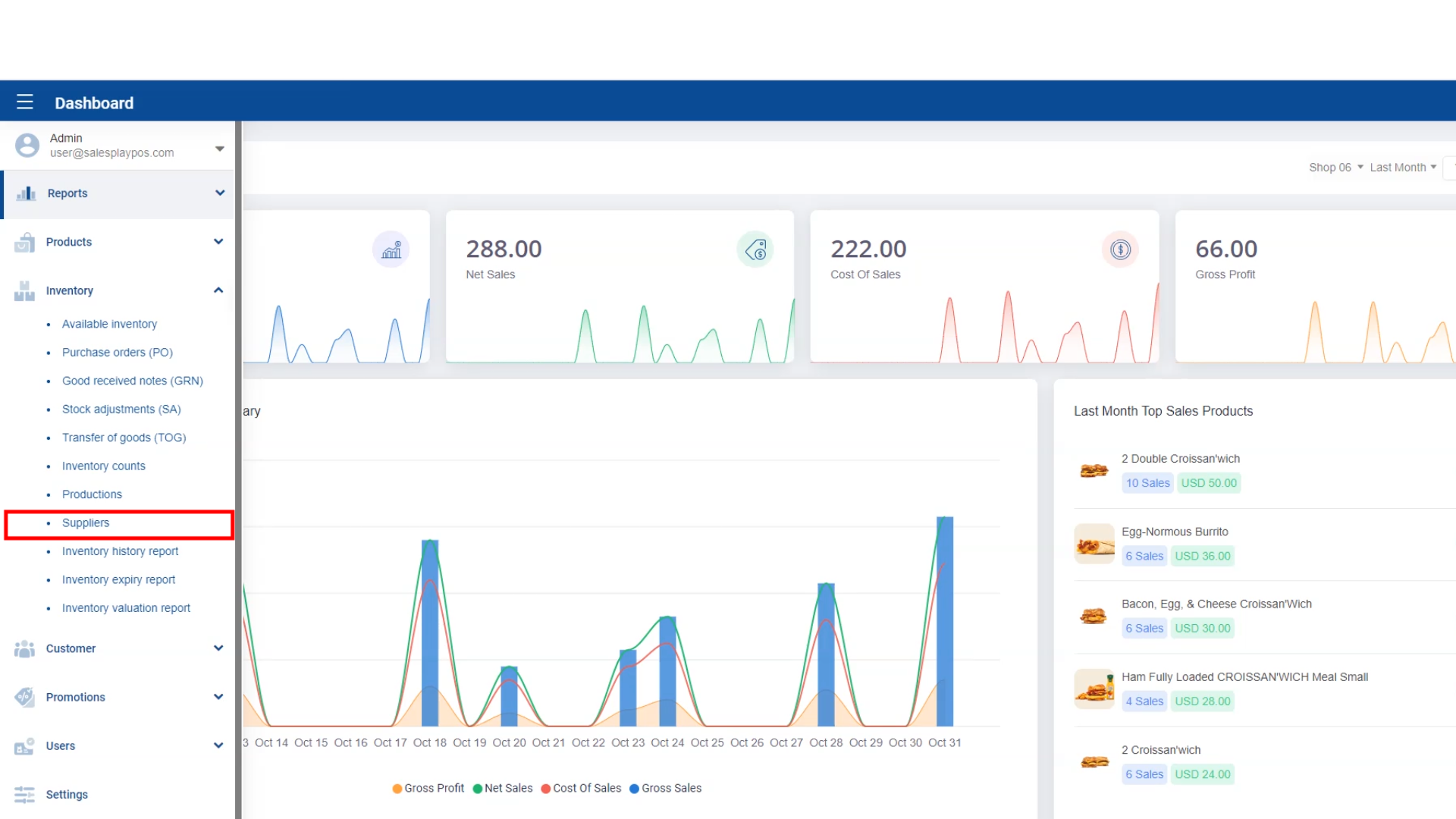
- Login to POS Back Office Webportal
- Select “Inventory” from main menu
- Go to the “ Suppliers”
- Click “ Add Suppliers ”
- Enter relevant details
- Click “Save”
(Those suppliers’ name will be appear on the POS when you doing a Stock Add GRN or Stock Adjustment SA from POS app side.)
Was this article helpful? Tell our team what was missing.
Send us feedback