
How to Delete Item(s) from Product Cart
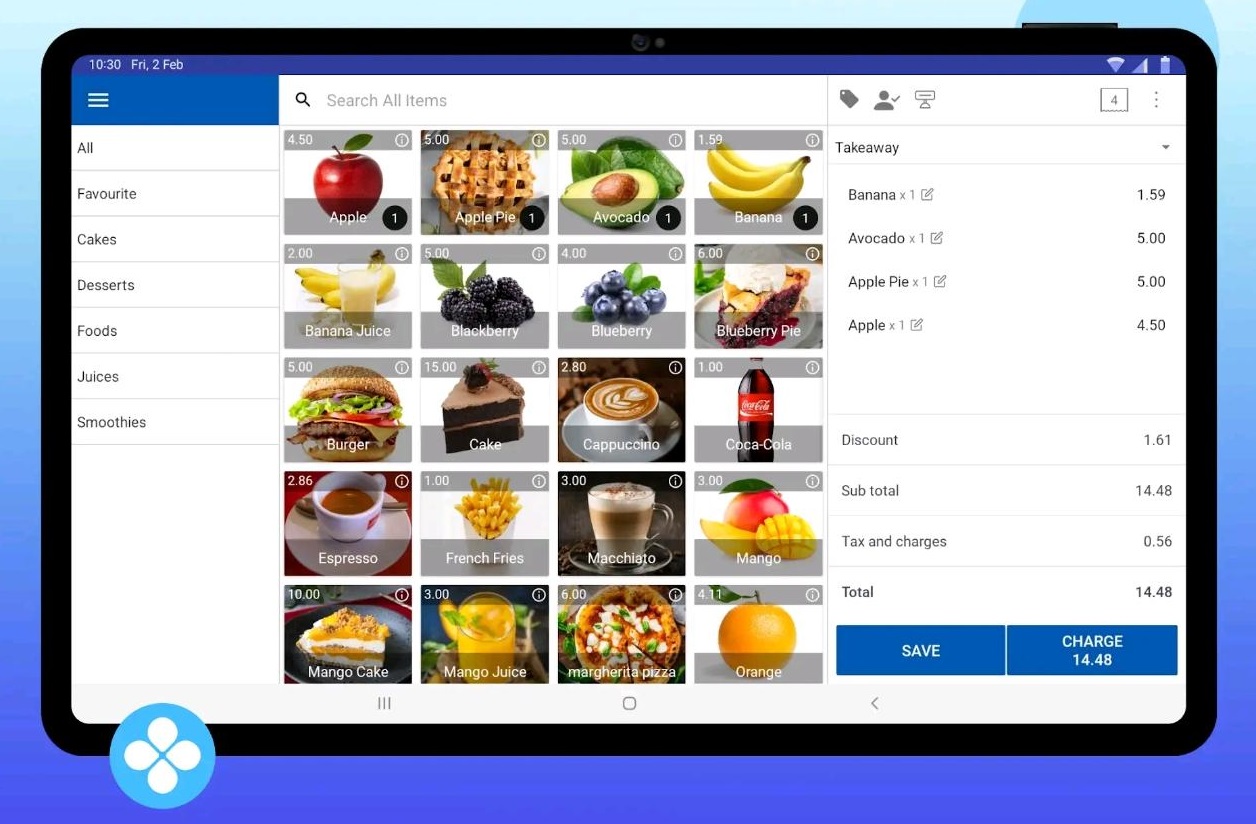
1. How to Delete Item(s) from Product Cart
Navigate to the POS App main menu on the top left corner.
Select the 'New sale' option.
Select the product that you want to add to the Cart.
If you need to remove a product from the cart, hold down on it and make a slight swipe to the left, till the below sign is visible > Click on the Delete Icon that appears.
Once the Icon has been clicked, the product will be removed from the cart.
Was this article helpful? Tell our team what was missing.
Send us feedback