
How to Create & Use Different Types of Payment Methods
1. Create & Use Different Types of Payment Methods
2. Create & Use Different Types of Payment Methods
3. Create & Use Different Types of Payment Methods
4. Create & Use Different Types of Payment Methods
5. Create & Use Different Types of Payment Methods
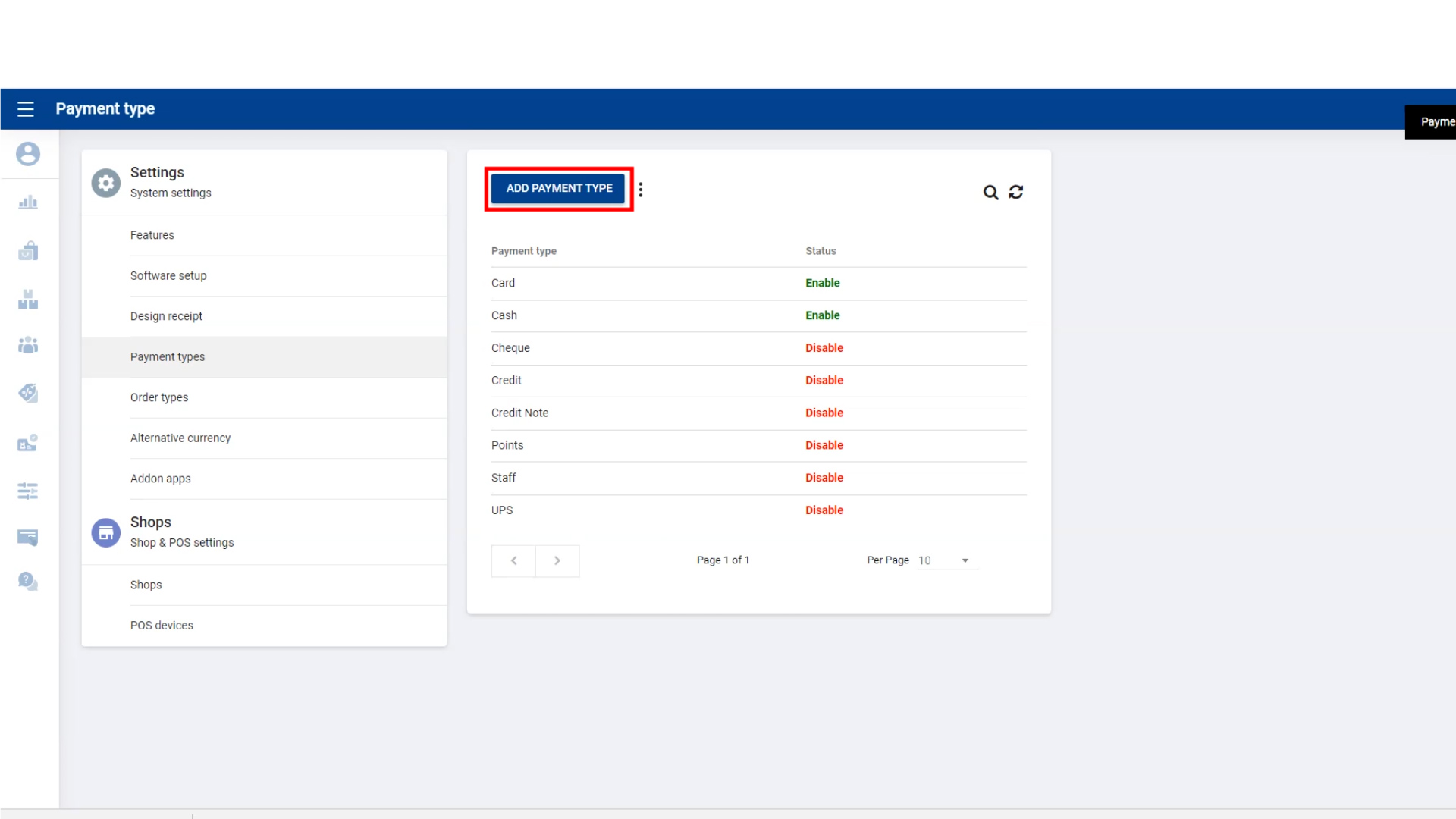
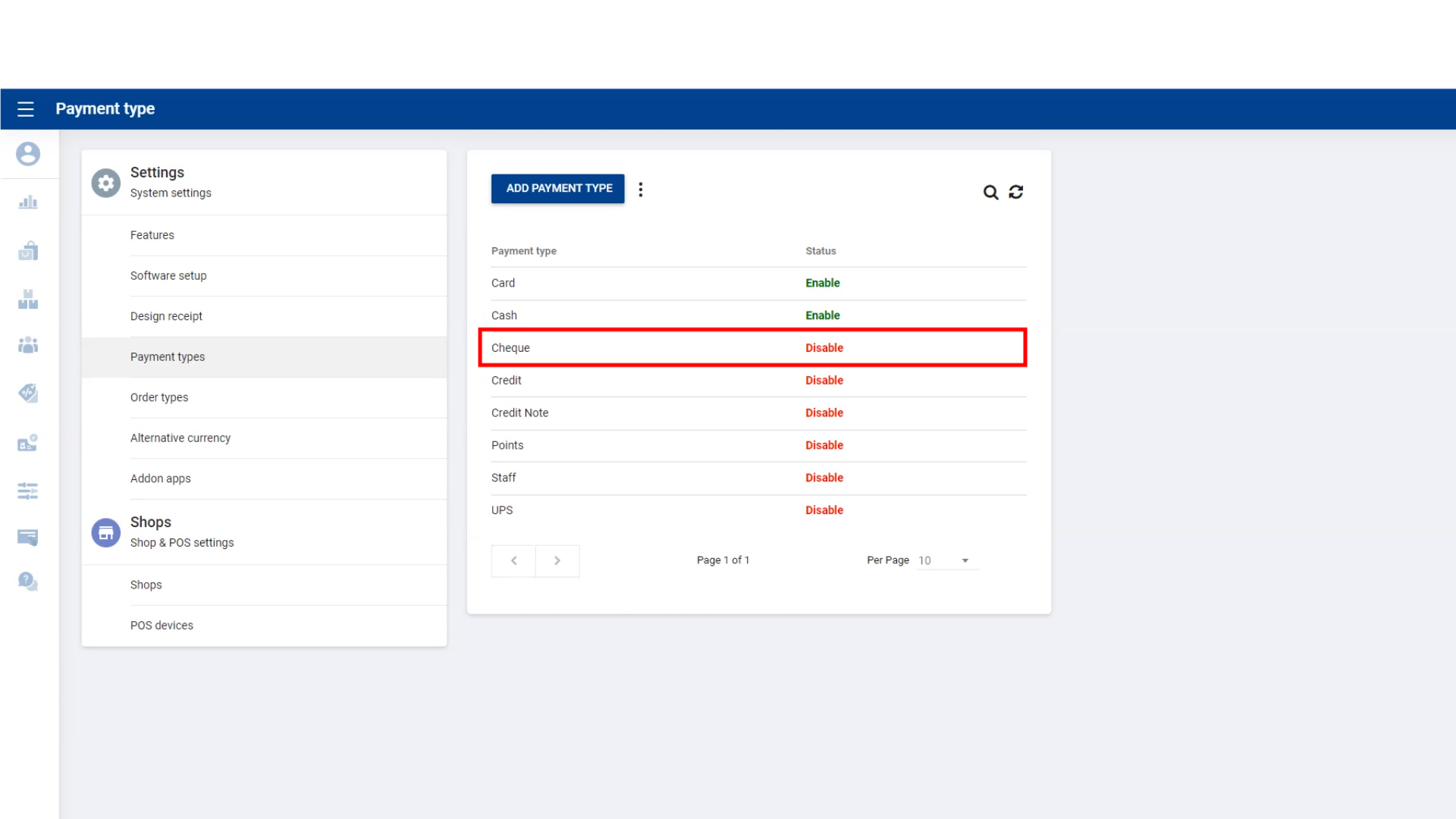
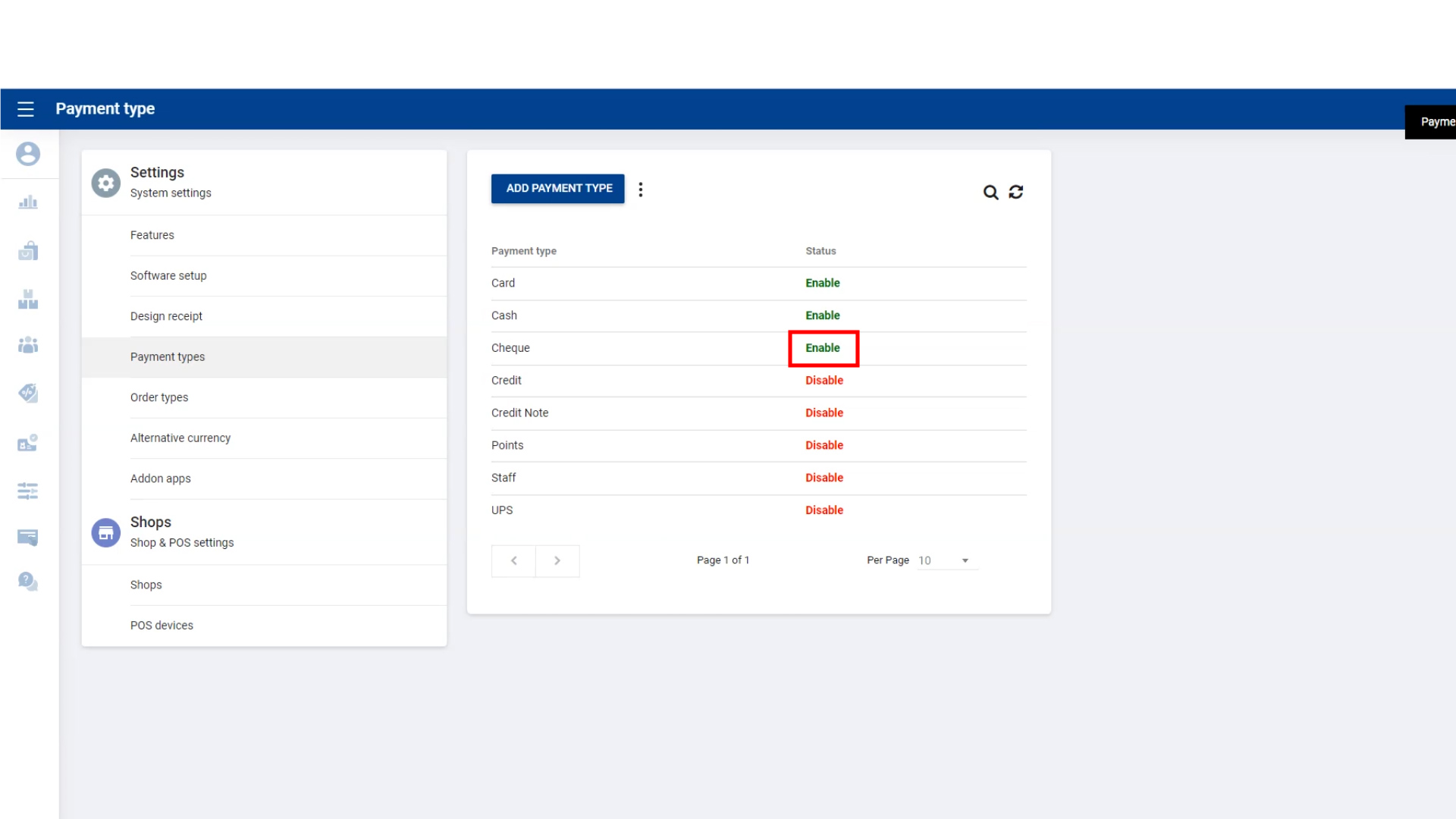
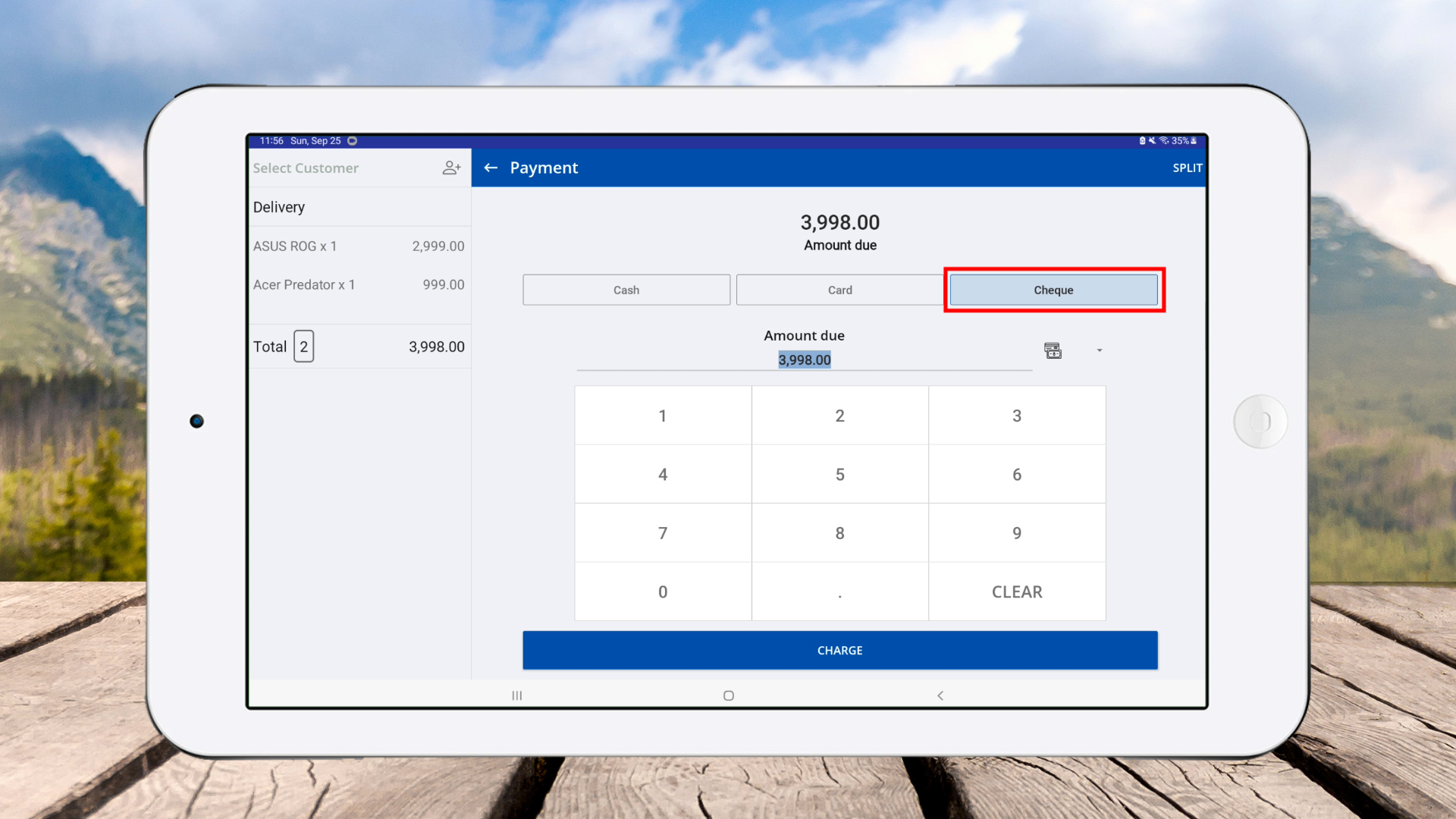
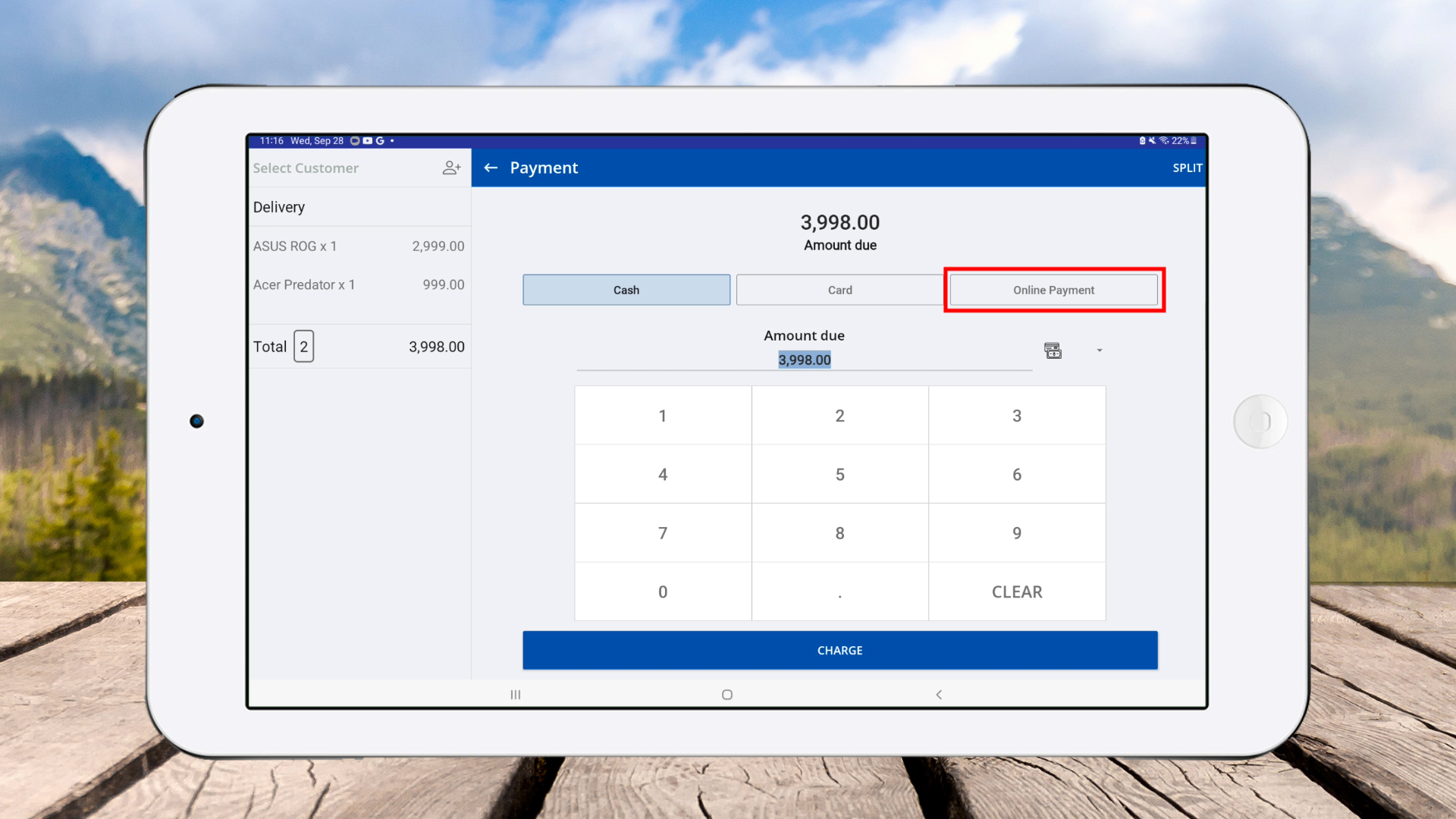
POS System allows user to add new Payment Types. Ex: Prepaid cards, Mobile payments, e-wallets
Login to POS Back Office Webportal
Select “ Settings ” from main menu
Go to the “ Payment Types”
Click “ Add Payment Type”
6. Create & Use Different Types of Payment Methods
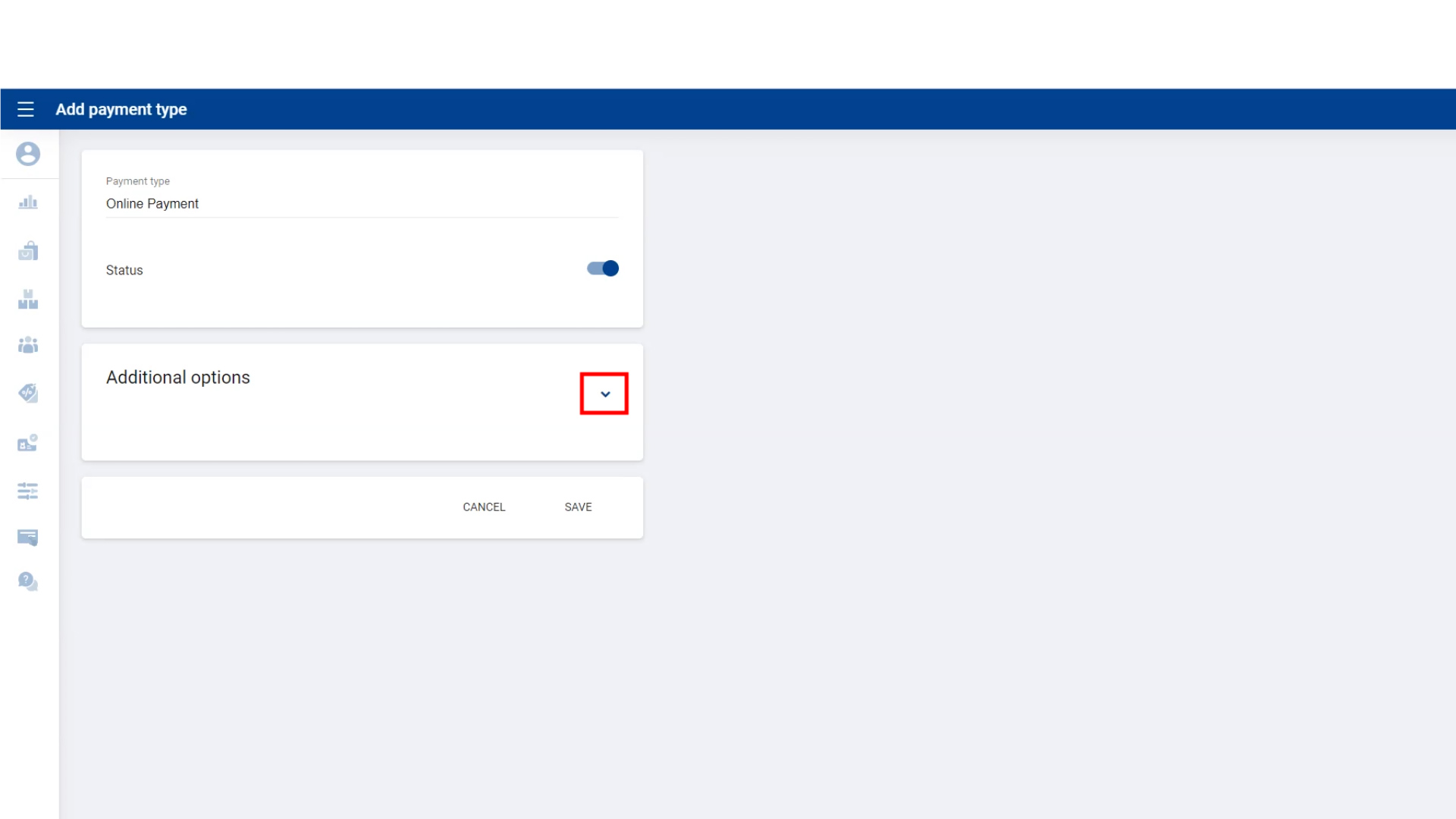
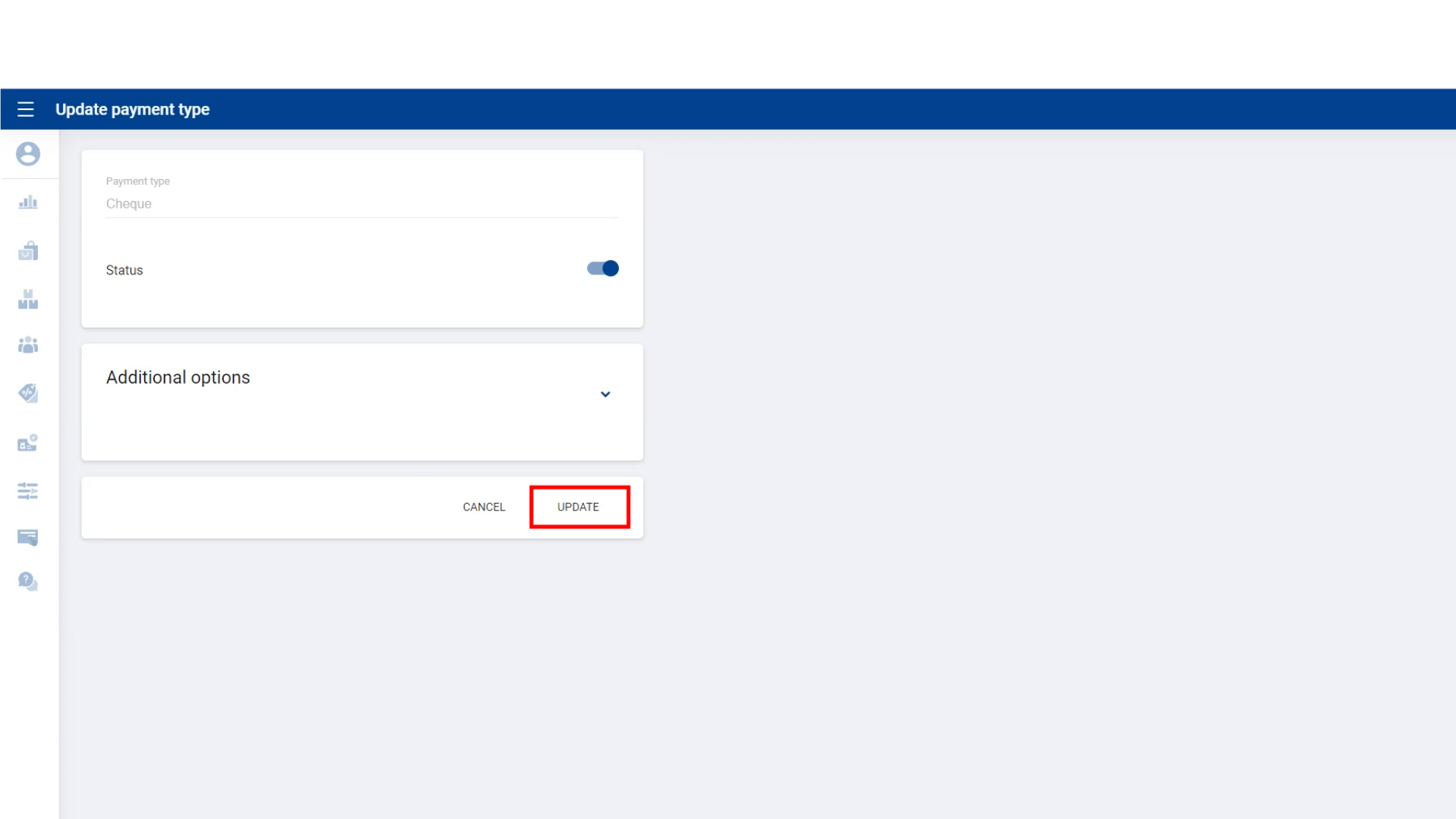
- Enter payment name and Tick On status
7. Create & Use Different Types of Payment Methods
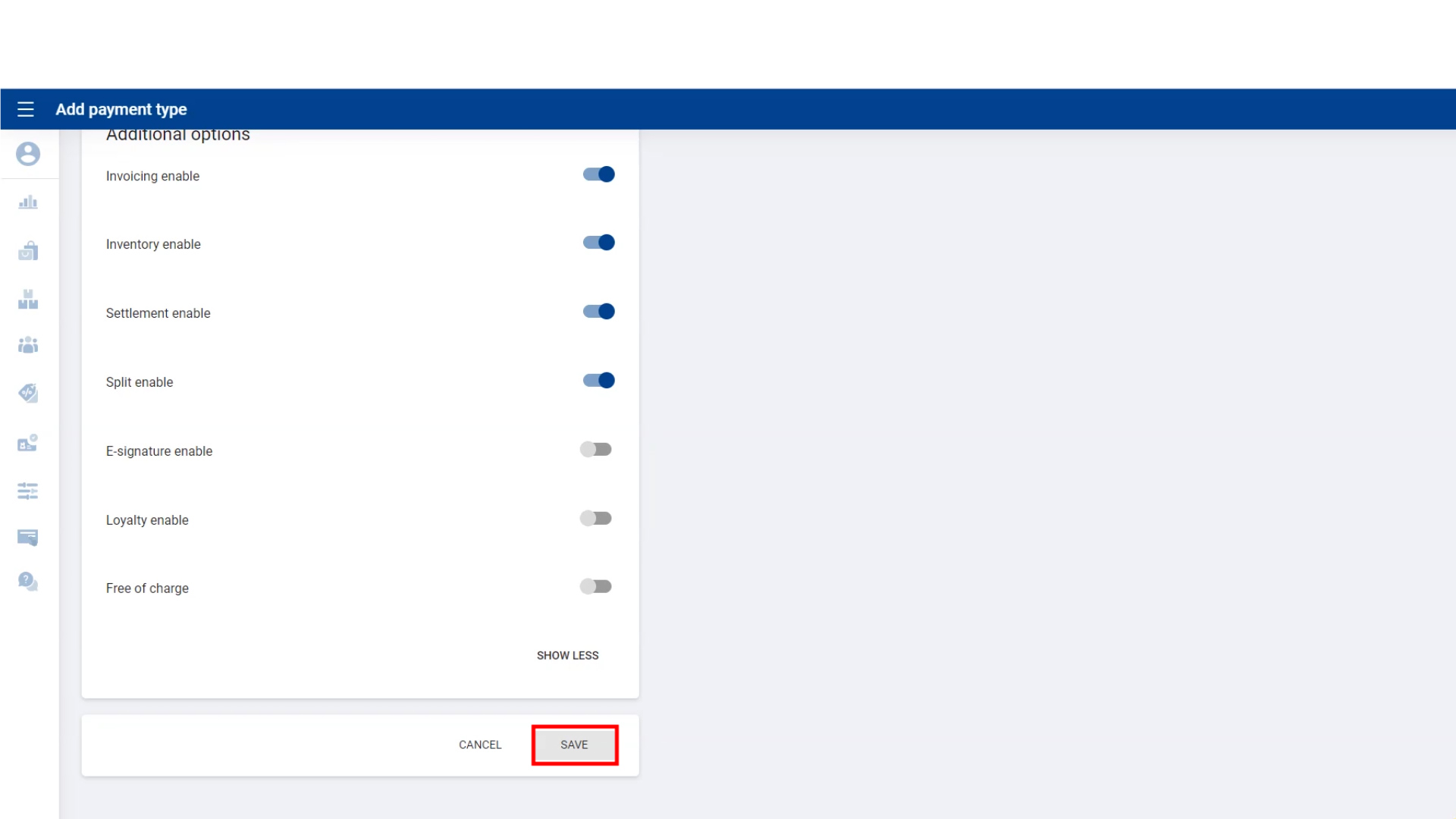
- Click additional option and tick on relevant fields
- Click “Save”
8. Create & Use Different Types of Payment Methods
9. Create & Use Different Types of Payment Methods
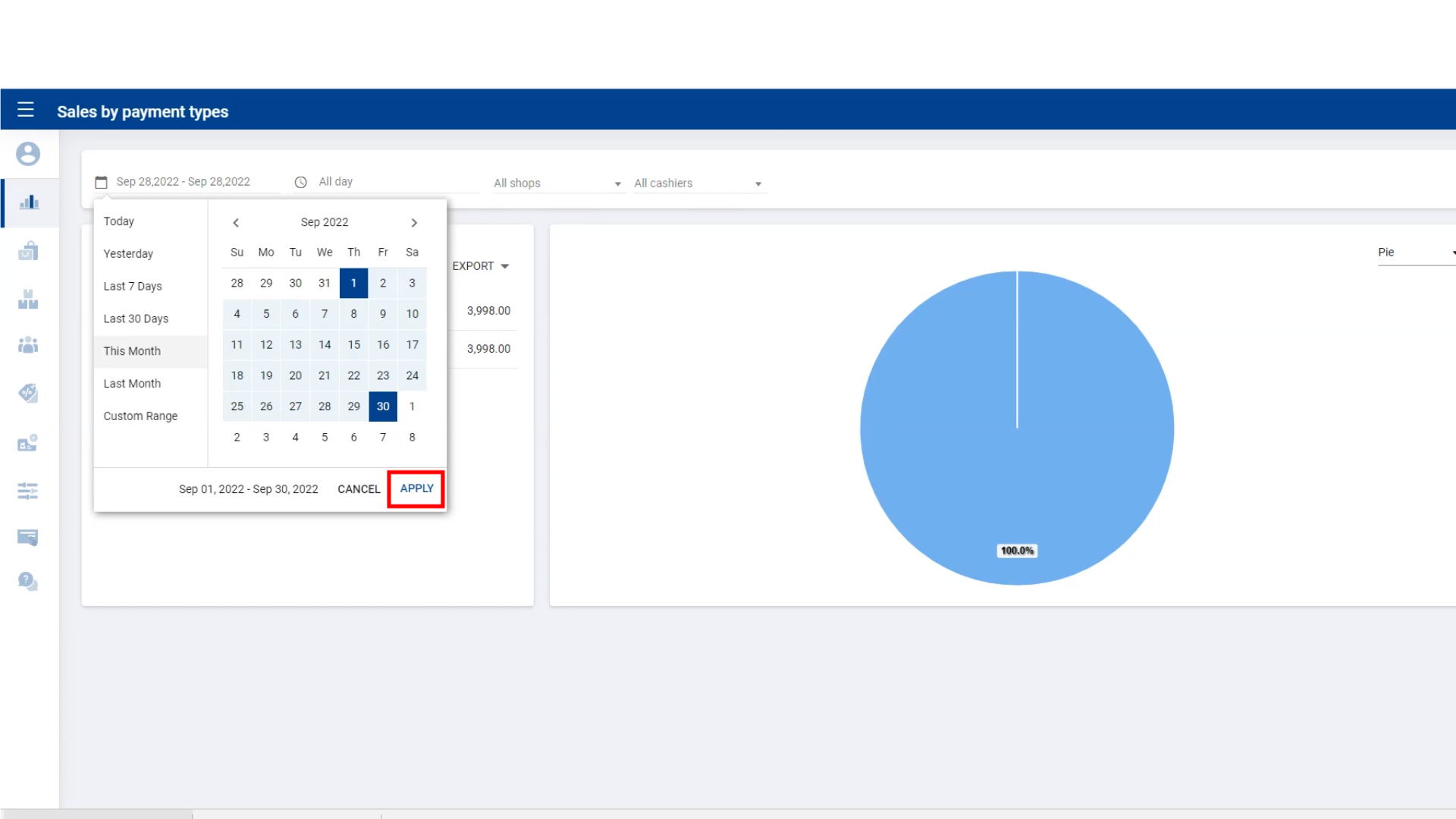
10. Create & Use Different Types of Payment Methods
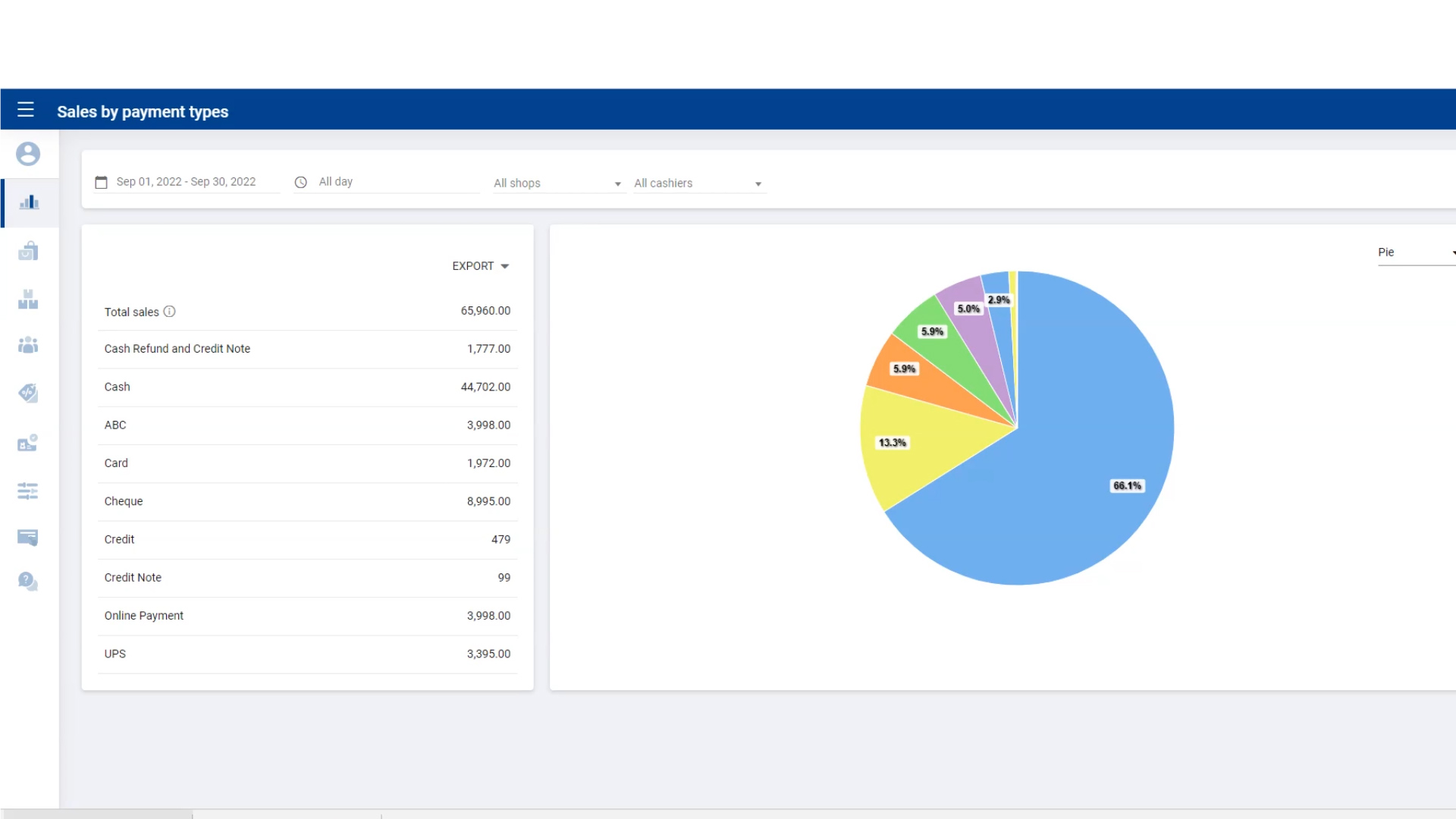
Was this article helpful? Tell our team what was missing.
Send us feedback